Selecting a type of access control system used to be simple, you went to the hardware store and got a metal key. Now there are many options with the roll-out of new technology. Lets consolidate into main groups: cards, biometrics, and mobile credentials. Each works differently and each comes with its pros and cons.
This guide breaks down how they compare and which a business should choose without making a costly mistake.
How Each Credential Works
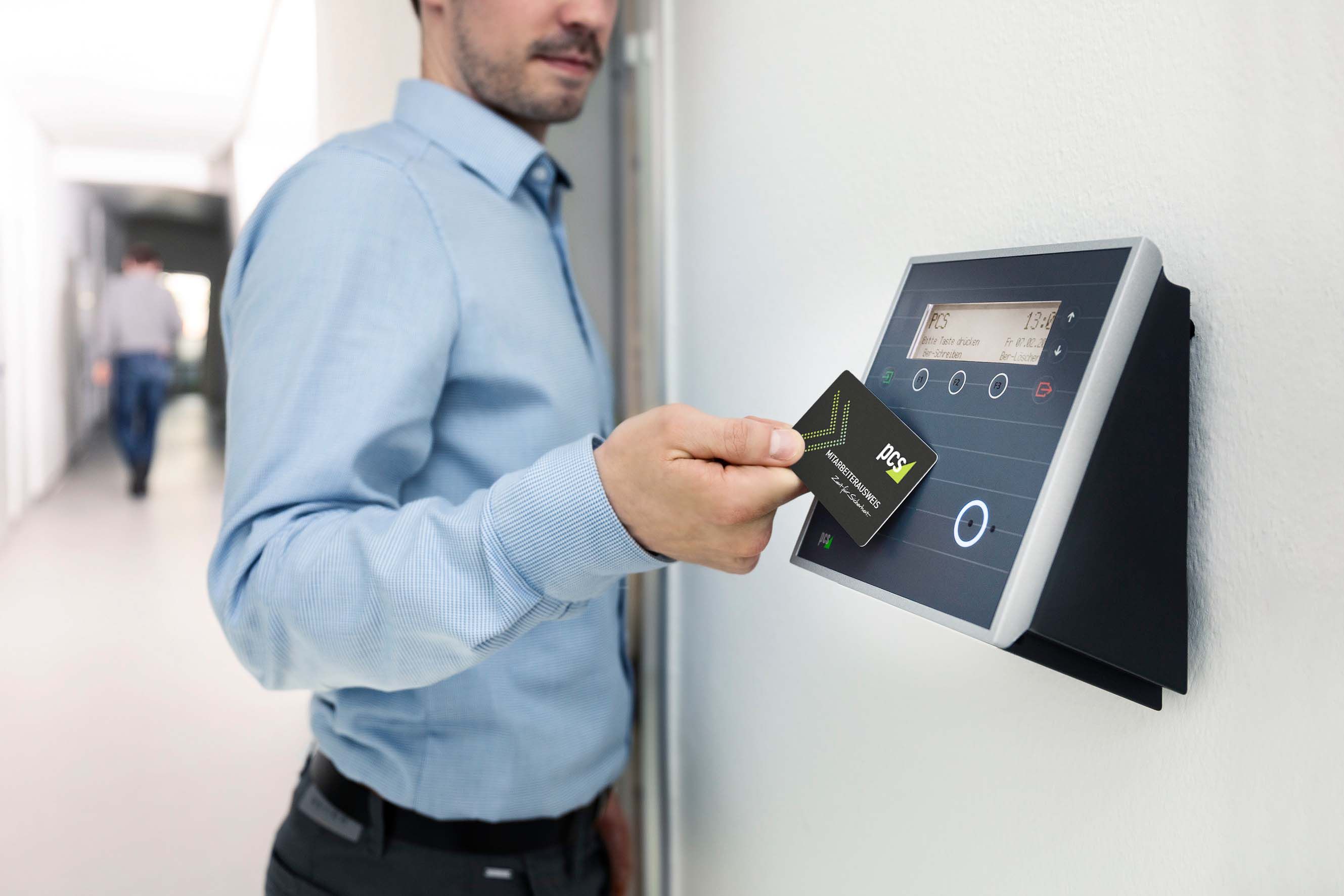
Card credentials use a physical key or key fob. The reader scans a code stored in the card. This has been the industry standard for decades. Newer credentials such as biometrics use a physical identification such as a fingerprint, face or even iris and vein scans. These live in a database to confirm and compare the identity against. The other category for mobile credentials use a smartphone or digital wallet. This works by communicating with the ID reader using Bluetooth or NFC (the same technology for contactless payments). The newer credential difference with these is that they identify “who you are”. This matters more than most people realize, in terms of security.
Common Mistake 1: Choosing Based on Cost Alone
Cards are usually the most affordable upfront option. This leads to many companies to use them without considering long term costs. Lost or stolen cards needing to be replacement can cause a huge cost to companies. Not just with the physical card, but what bad actors may do with it. Attackers can use security flaws and share or duplicate easily. So in biometric and mobile systems, the initial cost is higher but over time the management costs and security are lower since there is nothing to lose or copy. The Total Cost of Ownership (TCO) becomes what is more affordable and secure over the long-term.
Common Mistake 2: Ignoring How Employees Will Actually Use It
A system only works if people use it correctly. Employees lose the cards, fingerprints don’t scan well with wet or dirty hands and mobile credentials require employees to fully charge their smartphone. For example, a manufacturing plant with fingerprint scanners on a factory floor learn quickly because workers wear gloves for safety and the scanners became difficult to use. By selecting a system, it requires going through normal operations for your employees: gloves, hats, masks, or phone prohibited areas be for consideration.
Common Mistake 3: Overestimating Biometric Security
Often, biometrics for access control give data for the most secure option, especially on high-end systems. However, there may be considerations such as the biometric data is sensitive personal information and some government laws and regulations require specific certifications to protect the data. Some other things to consider is when after an attacker breaches a biometric database, you cannot “reset” a fingerprint like a password. Also, some employees have privacy concerns about the data collection. These considerations are by no means it is a bad decision but needs the proper legal and privacy investigations.
The best choice depends on your environment, employees and existing systems.
General Guidelines:
- High foot traffic and budget conscious: Cards, with a regular audit plan
- High security areas and controlled environments: Biometrics
- Modern office with “tech comfortable” staff: Mobile credentials
Many companies use a hybrid version with cards for general staff, biometrics for server rooms and restricted areas. Also, there can be multi-factor authentication so you must present multiple credentials for access.
The biggest mistake in access control rarely comes from the “wrong” technology but from skipping the design and planning phase. So before choosing card, biometric or mobile credentials, take some time to review how your team works, what system needs to integrate, and how to recover after a lost, stolen, or unreadable credential. The right system usually reveals itself after that.